YOLO CMS · Websites
The CMS built for your AI.
Your own AI builds your website, and keeps it up to date, by talking with you. Connect it in one click: no WordPress, no plugins, no key to copy and paste. Nothing goes public until you say yes.
Works with ChatGPT today, and with any AI app that supports connectors (MCP).
Make an account, choose “I want a website”, and a short guide shows you the rest.
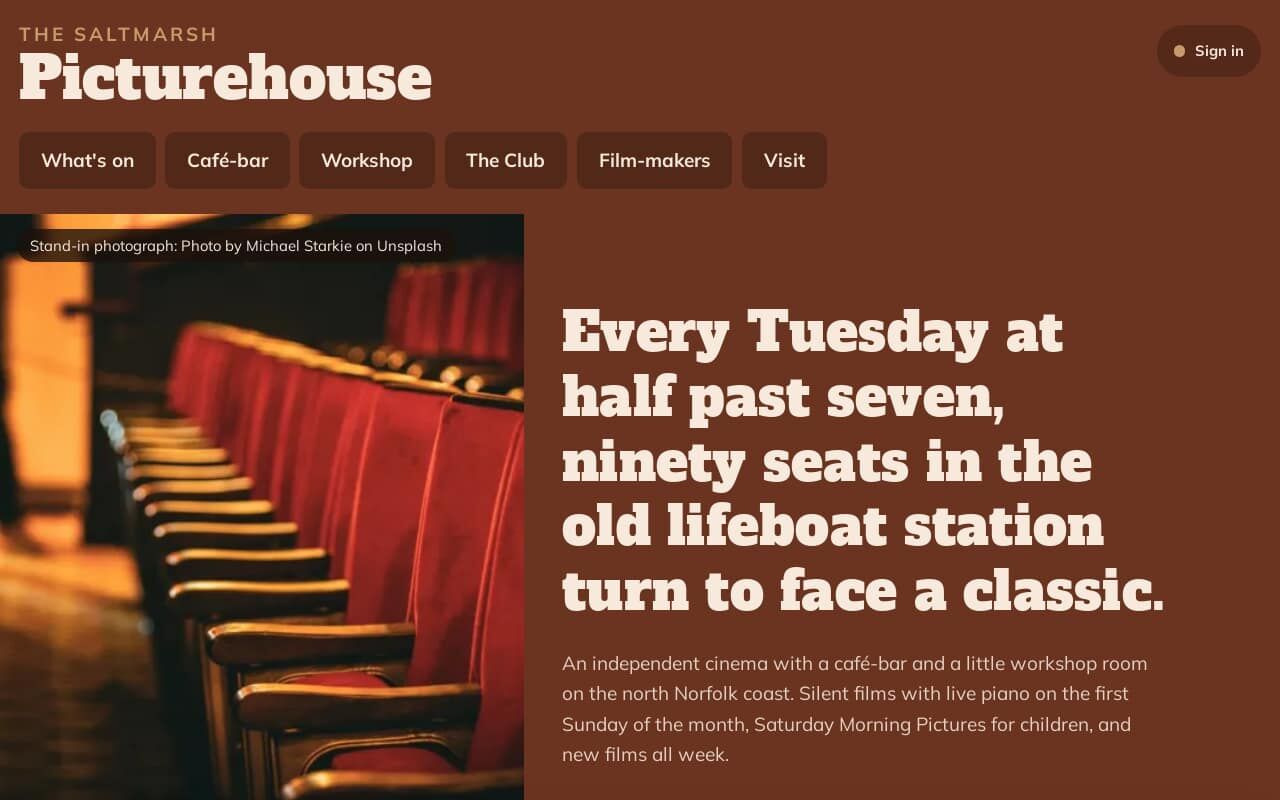
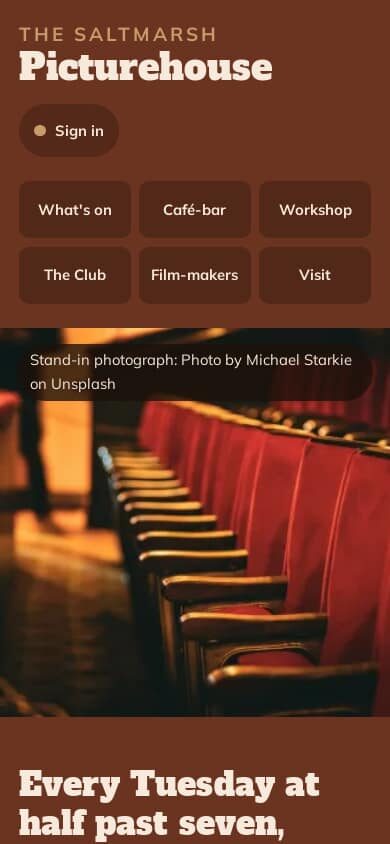
Built by an AI through the connector. A made-up cinema; the photographs are credited stand-ins.
How it works
Three steps, and the third is a chat
Make an account and name your site
Two minutes. You get a web address straight away, and you can connect one you already own later.
Connect your AI in one click
Add YOLO CMS as a connector in your AI app and sign in to approve it. No codes or keys to copy. One connection can look after all your websites.
Tell it about your business
In your own words. It asks questions, shows you looks to choose from, and builds a private preview. When you like it, say so, and it goes public.
I run a 90-seat cinema in an old lifeboat station. People should be able to reserve seats, six each at most.
Here are three looks dealt for your site. Which one feels most like walking in?
The second. Warm, a bit 1950s.
Your preview is ready. I’ve looked at every page on a computer and a phone, and tried to book seven seats as a practice member: it was refused, as it should be. Two things need you: the café’s hours, and your own photos.
One site, start to finish
The Saltmarsh Picturehouse, built by an AI through the connector
We gave an AI one owner’s brief (a 90-seat cinema with a café-bar, a members’ club and a workshop room) and nothing but the connector. These pictures are of what it made: the design, the pages and the rules the server runs. The cinema is made up, and its photographs are stand-ins from Unsplash, credited on the page.
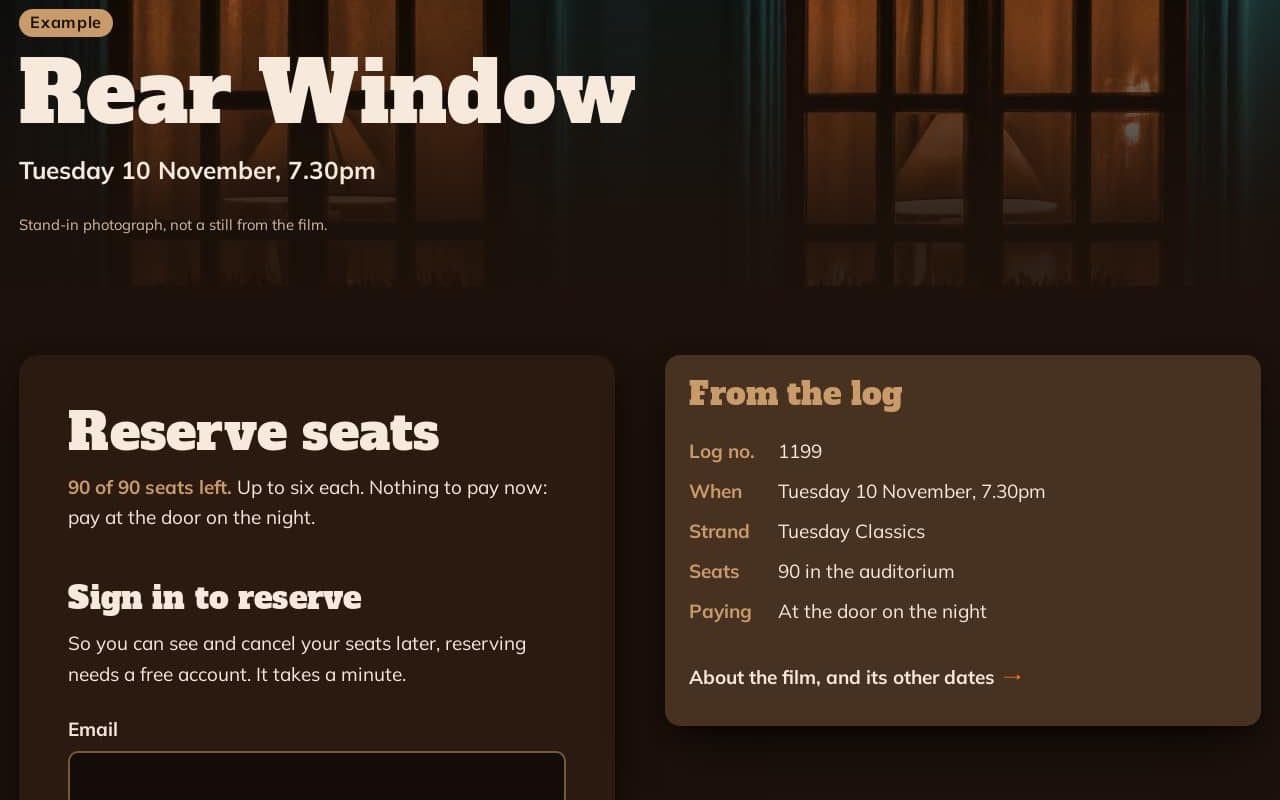
- Seats
- 90 per screening, no more than six per person. The server counts every reservation, so two people can't take the last seat.
- Members
- Club members sign in to reserve, and see or cancel only their own reservations.
- Quiz
- A monthly members' quiz, marked by the server against answers no visitor can read. Nobody can enter twice or set their own score.
- Programme
- Films filtered by strand, a page for every film and screening, and the printed programmes filed by month.
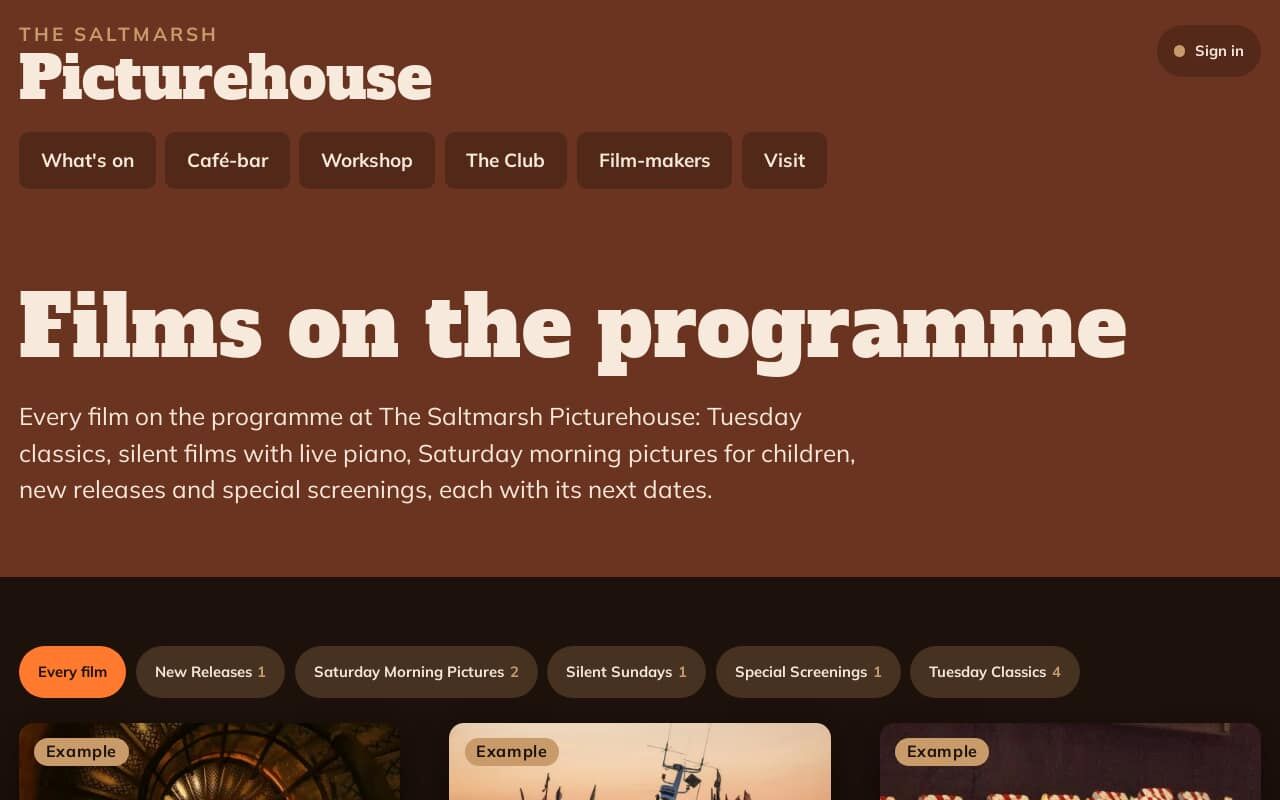
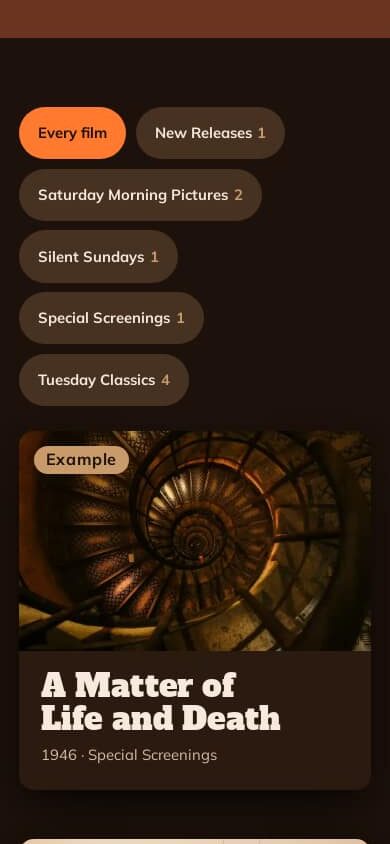
The same page on a phone
Its own look
Not another AI website
Left alone, AI builders make the same site again and again. Every YOLO CMS site is dealt its own design directions (type, colour, layout and the voice of the words) and you can choose from pictures of them. Design checks then flag the habits that make AI sites look alike.
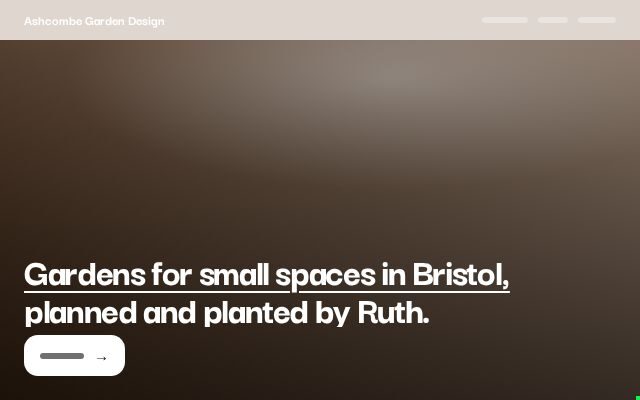
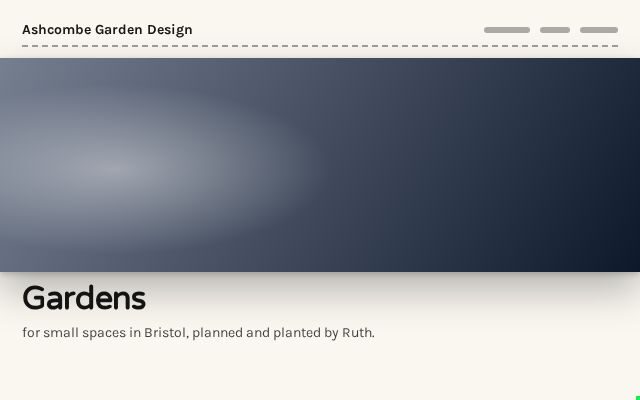
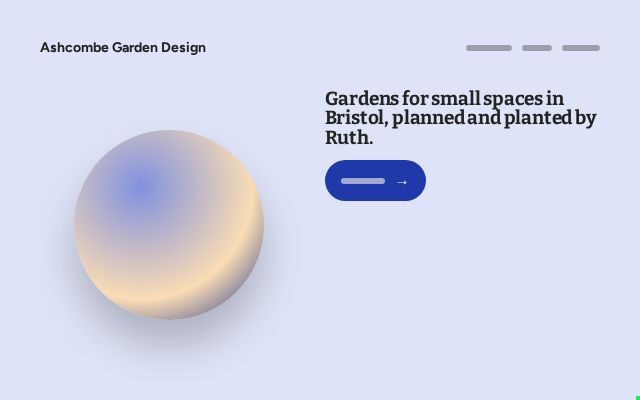
Three looks dealt to one made-up garden designer, sketched from the owner’s own name and line.
More sites it has built
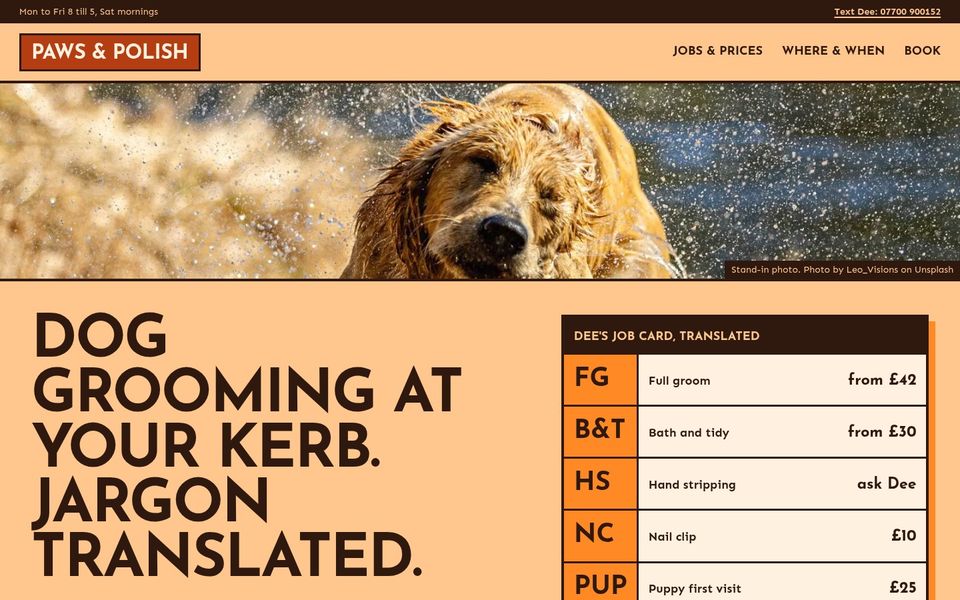
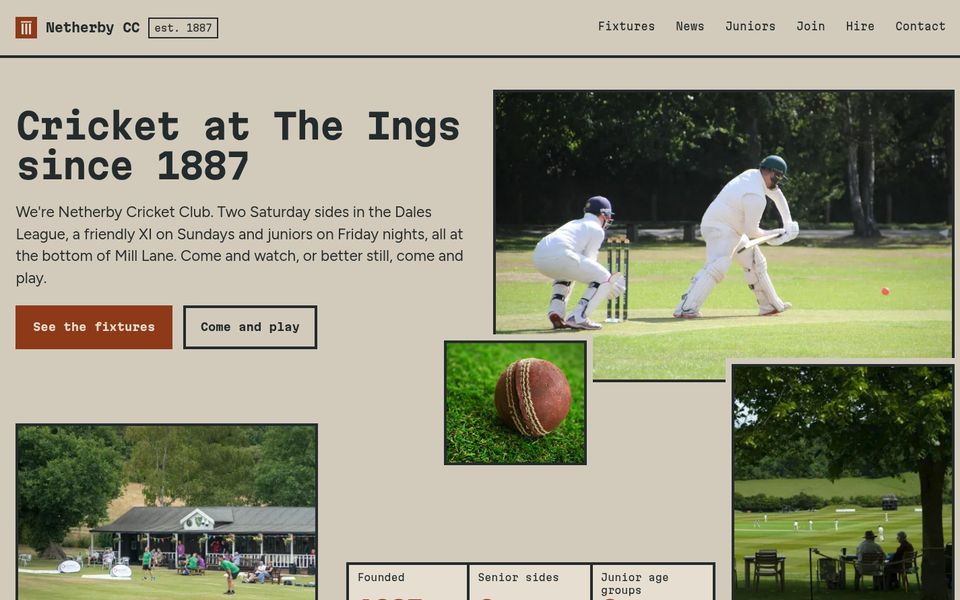
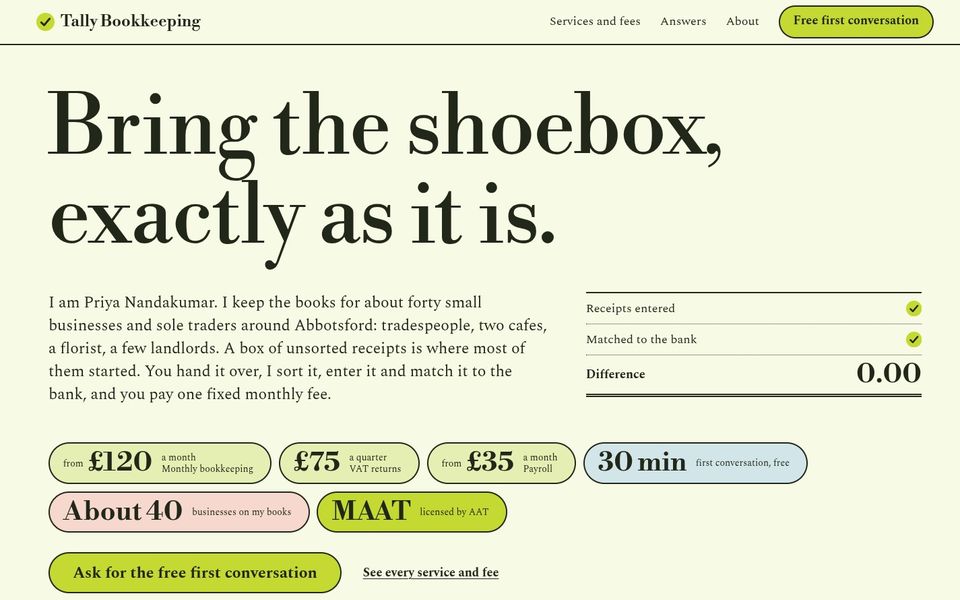
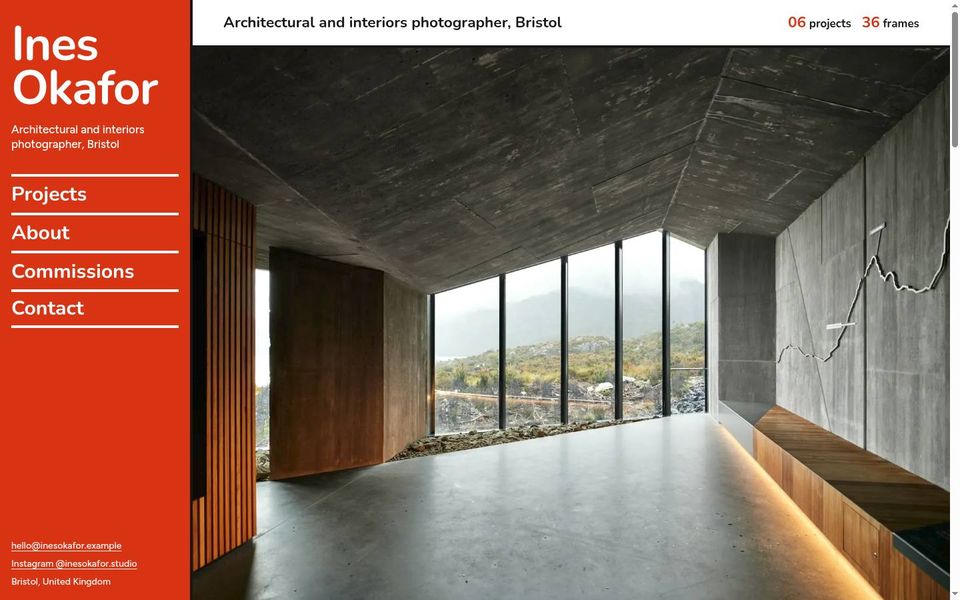
Each built by an AI from a few paragraphs about a made-up business, during our own testing. The photographs are stand-ins; the websites are real, and you can open them.
More than pages
Real features, with the rules kept by the server
Your AI doesn’t fake features with tricks in the page. It sets up lists, rules and automations that YOLO CMS runs on the server, so they hold when real people use them.
Live lists
Menus, fixtures, listings, a club's records: lists your AI sets up, which visitors can add to where you allow it. Required fields, limits and who-sees-what are checked on every save.
Bookings
Tables, rooms, stylists, classes. A slot that is taken is refused, places can be capped per event and per person, and your opening hours are kept to.
Members
Visitors can make an account, sign in, and see or change only their own entries. Pages and lists can be for members only.
Forms that stop spam
Contact and enquiry forms with a captcha. Messages arrive in your email and in your YOLO Cloud account.
Courses and quizzes
Lessons that open only for people enrolled, one after another. Quizzes marked by the server, so the answers stay hidden.
Blogs, events, directories
Posts, events and listings, each with its own page, grouped by category, with search and filters for visitors.
More than one language
A site in up to eight languages, each with its own addresses, and the platform's own words translated too.
Emails to visitors
Booking confirmations, reminders and password links go out through our mail service, within daily limits, or through your own email account if you connect one.
Moving from WordPress
Bring your posts and pages across from a WordPress export file, as drafts, with their pictures, and with the old addresses sent on to the new ones.
Looked at, not assumed
Your AI has to look before it says it’s finished
A handover report
Before it tells you the site is ready, your AI must have seen every kind of page at desktop and phone size, in pictures our server takes. Until it has, the report lists what it hasn't looked at.
Practice members and a preview clock
It can sign up pretend members and move the clock on, on the preview only, to test bookings, reminders and members' pages without touching a real visitor.
Site checks
Broken links, missing page descriptions, text too faint against its background, pages that don't fit a phone: found and named before anything goes public.
A privacy page to start from
Drafted from what your site really does, its forms, accounts and emails, with the parts only you can answer clearly marked.
In YOLO Cloud
You don’t need the AI to change a price
Your site has its own page in YOLO Cloud, in plain words. Change things there yourself, or ask your AI. You can see which AI apps are connected, and switch any of them off at once.
Start free- Pages and lists
- Change a price, a date or a paragraph yourself, and publish. The last publish can be undone.
- Photos
- Upload your own, or open a private “send photos” link on your phone.
- Messages
- Every form message in one place. You choose how long they are kept.
- Earlier versions
- Every published version is kept. Put any of them back.
- Web address
- Connect a domain you already own.
- Settings
- Your own email sender, captcha keys, and analytics, with a cookie notice only when one is needed.
Plain answers
What people ask first
- Which AI apps work with it?
- ChatGPT, today. YOLO CMS is a standard MCP connector, so other AI apps that support connectors can use the same address. We'll name them here once we've tried them ourselves.
- Do I need to know anything technical?
- No. You talk; it builds. If you can describe your business to a friend, you can do this.
- Is it WordPress?
- No. YOLO CMS is its own system, made for an AI to drive, so there are no plugins or themes to keep updated. If you're moving from WordPress, your posts and pages can come with you.
- Will it look like every other AI website?
- It shouldn't. Every site is dealt its own starting point for type, colour, layout and voice, and design checks flag the habits that make AI sites look alike.
- What if it gets something wrong?
- Every version of your site is kept, and you can undo the last publish. Your AI also leaves you a short list of anything it had to guess.
- What about my visitors' details?
- Form messages, accounts and bookings are kept for you in your YOLO CMS account, and you decide how long messages stay. Our privacy policy explains who does what. Read the privacy policy.
Tell your AI what you do. See your website.
Every version is kept, and nothing goes public until you say yes.